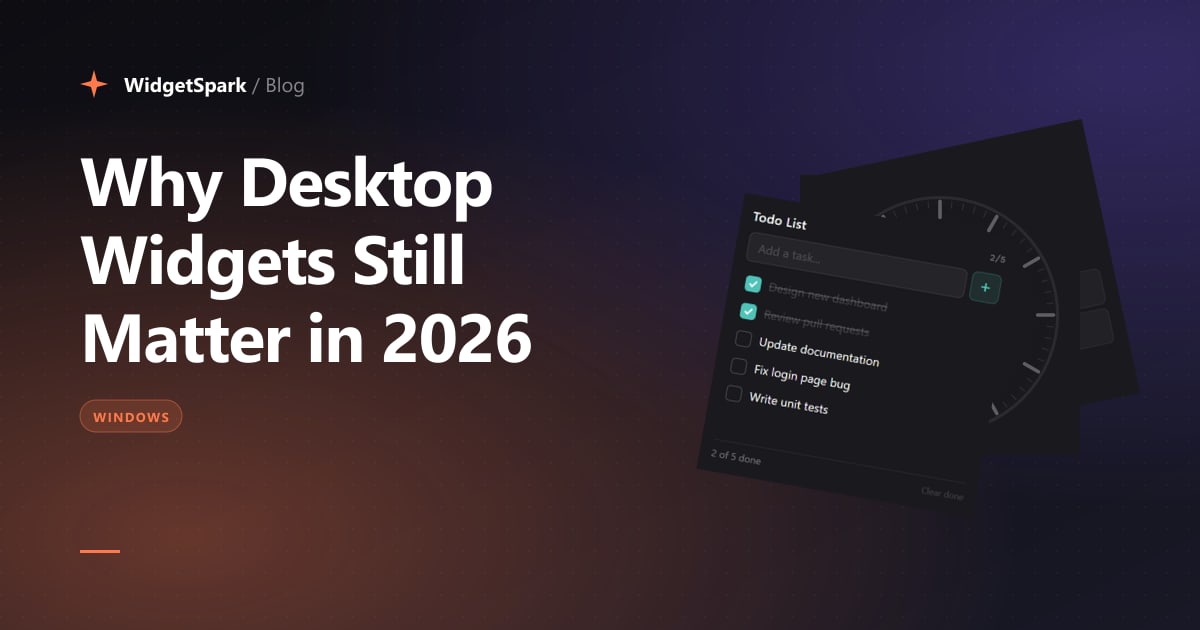
The desktop widget had a weird arc.
Windows Vista shipped them in 2007. Microsoft killed them in Windows 8 over security concerns. Windows 10 ignored them. Windows 11 brought back a single news-and-weather panel in the taskbar — which most people turn off within a week of upgrading.
Meanwhile, our phones quietly turned into widget-first surfaces. iOS Lock Screen widgets. Android glanceables. Apple Watch complications. The pattern works because it solves one specific, repeatable problem: showing ambient information without making you context-switch into an app.
Phones got it. Watches got it. Desktops, somehow, still don't — at least not by default.
The desktop friction problem
Picture your typical workday. You probably have 15 browser tabs open. A few apps. Maybe Slack, a terminal, your music. To check the weather, you alt-tab into a browser, open a tab, type "weather", wait for the page to load, read it, close the tab. To check your CPU usage, you open Task Manager. To check the time in another country before a meeting, you Google it.
That's friction. It's small per occurrence, but you do it dozens of times a day, and every single one is a context switch — a moment where your attention leaves what you were doing.
A widget is a permanent answer to a recurring question. The cost of asking drops to zero. That's the entire pitch.
Why desktop widgets faded
The 2007–2014 era of desktop widgets failed for three real reasons:
1. Security. Vista's gadgets ran arbitrary HTML/JavaScript with system-level access. They were a malware vector. Microsoft killed them, fairly.
2. Bloat. The era of widgets coincided with the era of "every app needs an installer that bundles a toolbar." Widgets carried that smell.
3. Real estate. 1080p was the dominant resolution. There was no room for ambient surfaces — every pixel was contested.
All three of those problems have been quietly solved in the last few years.
What changed
Three technical shifts and one cultural one made widgets viable again:
1. WebView2 ships with Windows
Every Windows install since the late Windows 10 era includes WebView2 — a Chromium-based rendering engine maintained by Microsoft. That means widgets can be HTML/CSS/JS instead of native code. Faster to build, easier to style, sandboxed by default, and patched on Microsoft's schedule rather than ours. The security story is fundamentally different from Vista gadgets.
2. Tauri 2 keeps installs tiny
The previous generation of cross-platform desktop apps (Electron, NW.js) bundled an entire copy of Chromium per app — a heavy install on disk and RAM. Tauri 2 reuses the system WebView2 and writes its core in Rust, which keeps the install lightweight even with a large widget catalog.
The implication: a widget app no longer feels like a commitment. It feels like installing a small utility.
3. Ultrawide and multi-monitor became normal
In 2014 the dominant resolution on Steam was 1920×1080. In 2026 it's 2560×1440 with a long tail of 3440×1440 ultrawides and dual-monitor setups. There is finally screen real estate to spare. Widgets stop being "things crowding your desktop" and start being "things filling the dead space you weren't using anyway."
4. The desktop got generic, and people noticed
That's the cultural shift. For about a decade, every Windows install looked basically the same: a browser, a few apps, a default wallpaper, some icons. The phone got more personal — custom widgets, lock screens, themes — while the desktop flatlined.
People want their desktop to feel like theirs again. Not a generic Windows install. Not a corporate-issued laptop. Theirs.
A clock that's their clock. A weather card in their aesthetic. Notes pinned to their preferred corner of their second monitor. Widgets are how that ownership shows up.
Where this goes
I think desktop widgets settle into the same role phone widgets did — not productivity tools, not full apps, just ambient surfaces. A clock. A weather card. A todo list. A small reminder that the screen in front of you is a place you live, not just a place you work.
And once you have a hundred of them — once a desktop widget app feels like a sticker book instead of a single-purpose utility — the whole thing starts to feel alive in a way Windows itself just hasn't, in a long time.
That's the bet WidgetSpark is making. Two years in, with the install base finally moving, I think the bet is starting to pay off.
If you're new here, the widget catalog is a good place to start — over 100 widgets across clocks, weather, system monitors, productivity, and entertainment. Or grab the free download and see what your desktop wants to be.