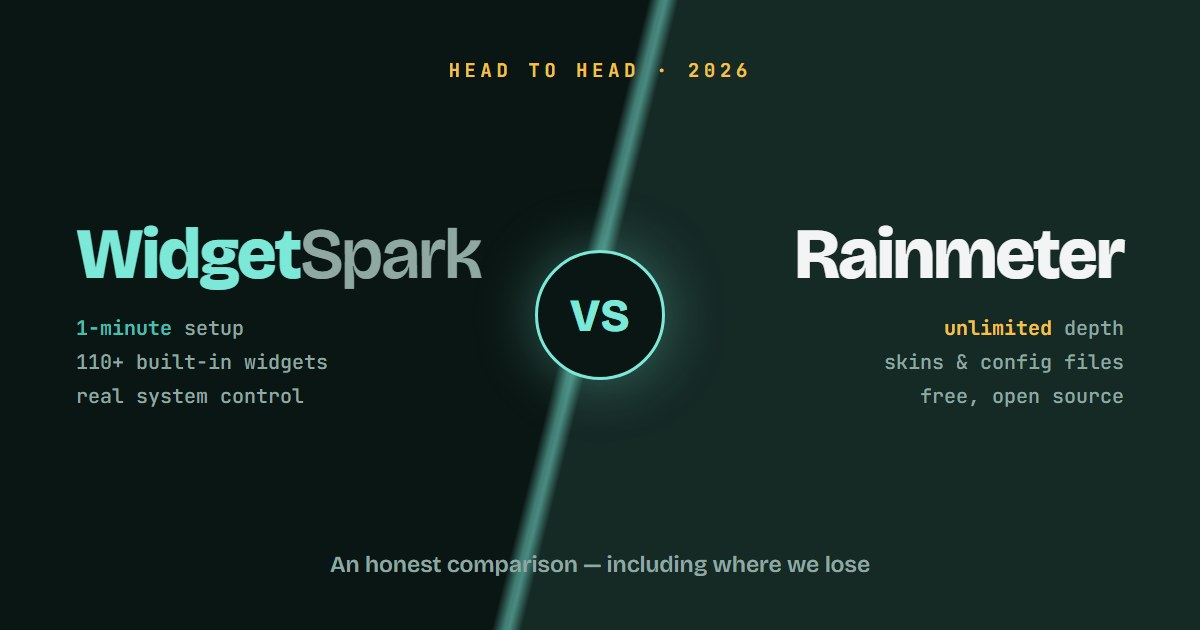
This comparison is written by the developer of WidgetSpark, so you know where the bias could creep in. The best defense against that is specificity — so this is a concrete, criterion-by-criterion comparison, including the places where Rainmeter is simply better. Both apps are excellent. They're just built for different people.
The core philosophical difference
Rainmeter is a rendering engine. It ships with almost nothing and can become almost anything. Skins are text files you download, edit, and compose. The ceiling is unlimited; the floor is a blank desktop and a config file.
WidgetSpark is a product. It ships with 110+ finished widgets that you place and lightly customize. The floor is a great-looking desktop in one minute; the ceiling is the options we've built — themes, accent palette, sizes, opacity, backgrounds.
Every difference below flows from that split.
Setup & first hour
Rainmeter: Install the app, then the real work starts — finding skin suites (DeviantArt, GitHub, r/Rainmeter), installing them, arranging and configuring each element, and usually editing .ini files for your weather API key or timezone. A polished setup is a weekend project.
WidgetSpark: Install from the Microsoft Store, right-click the tray icon, click widgets to add them, drag them into place. Weather works without an API key. There is no config file. First hour verdict: this one isn't close — but remember that some people enjoy the Rainmeter weekend.
Customization depth
Rainmeter wins, decisively. Anything you can describe, someone can build in Rainmeter — custom shapes, animations driven by your music, meters shaped like game HUDs. WidgetSpark gives every widget light/dark themes, a preset accent-color palette, four sizes, adjustable background and opacity, and pin-on-top. That covers what most people want to change. It does not cover "I want to design my own gauge from scratch" — for that, use Rainmeter.
System control
WidgetSpark wins. Rainmeter skins overwhelmingly display information. WidgetSpark widgets control the system: volume, brightness, and microphone widgets change the actual settings; the caffeine widget keeps your PC awake. There are also things Rainmeter simply doesn't do out of the box, like full-screen live effects (rain, snow, aurora, confetti) rendered click-through over your desktop.
Reliability & maintenance
Rainmeter's weak spot. Skins are community-maintained; the weather skin that works today can die when an API changes and the author has moved on. Session persistence depends on how well each skin was written.
WidgetSpark: data sources are maintained centrally as part of the product, updates arrive automatically through the Microsoft Store, and session restore reliably brings every widget back after reboot — position, size, settings.
Performance
Both are lightweight when used sensibly. Rainmeter's footprint depends entirely on the skins you run — a minimal setup is nearly free; a heavy animated suite isn't. WidgetSpark installs in under 20 MB and idle usage is low; visual-heavy widgets like audio visualizers cost more, and you only pay for the widgets you actually add. Call it a tie, with variance in different places.
Price
Rainmeter: free and open source, full stop. One of the best free software projects on Windows.
WidgetSpark: free tier with 20+ widgets, system integration, and session restore. Pro — the full 110+ catalog, all 14 themes, audio visualizers — is $1.99/month or $19.99/year with a 7-day trial.
So which one?
Choose Rainmeter if: you enjoy building and tweaking, you want pixel-level design control, and you have the hours to invest. You'll end up with something truly one-of-a-kind.
Choose WidgetSpark if: you want a beautiful, functional desktop today, you'd rather adjust options than edit configs, and you value widgets that keep working without attention.
Or run both. Genuinely — some of our own users run a Rainmeter visualizer they love alongside WidgetSpark for the practical widgets. Nothing about the two conflicts.
The best endorsement either app can get is you looking at your desktop and liking it. Pick the path that gets you there.