If you've landed here from a search result, this is the post that actually explains what WidgetSpark is. Most product pages tell you what an app does. This post tells you what it is, who it's for, what it isn't, and why we built it the way we did.
What WidgetSpark is
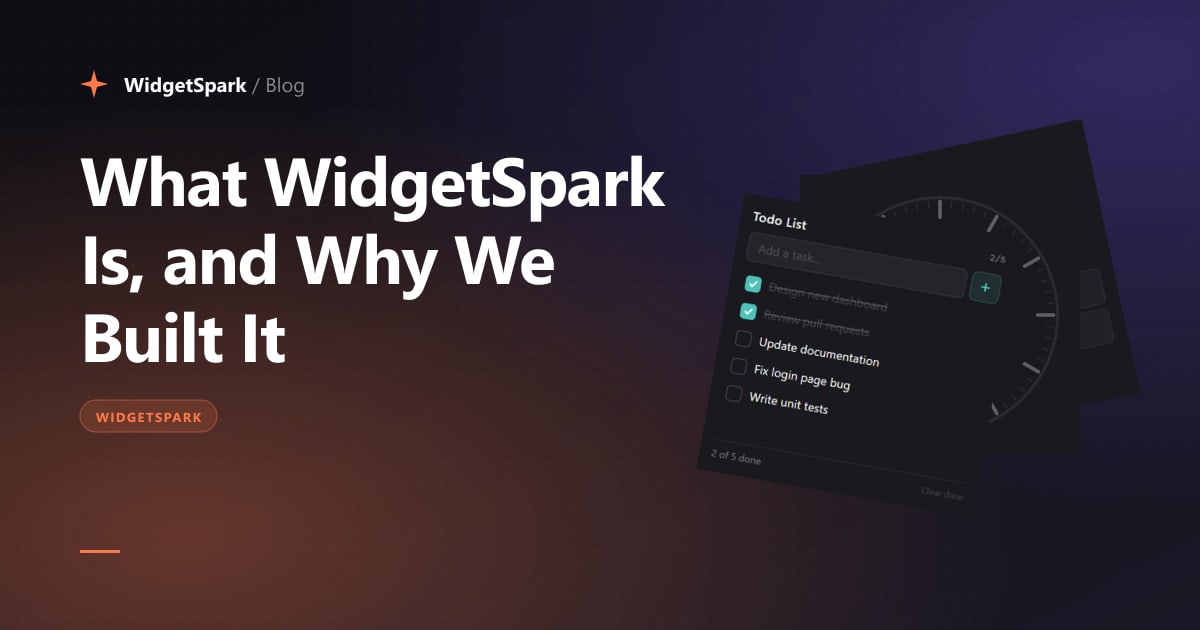
WidgetSpark is a desktop widget app for Windows 10 and 11. You install it, it adds a slim sidebar launcher to one edge of your screen, and from there you can drag any of 100+ widgets onto your desktop — clocks, weather cards, system monitors, todo lists, music controls, finance tickers, mini-games, and more.
Each widget is a small, self-contained surface that lives on top of your wallpaper, can be dragged around, resized to one of a few preset sizes, and styled to match your aesthetic. They run alongside your normal apps without getting in the way.
That's the elevator pitch. The interesting parts are the choices underneath.
What's actually inside
A rough breakdown of the catalog as of writing:
- Time & date — clocks, world clocks, timers, countdowns, day-of-year progress, calendars
- System — CPU, RAM, GPU, disk, network monitors; battery; volume; brightness
- Productivity — todos, notes, sticky notes, alarms, Pomodoro timers
- Information — weather, air quality, currency, crypto, stocks, market indices
- Ambient — audio visualizers, lava lamps (we tried — see the post-mortem on that), pixel art
- Games & toys — minesweeper, snake, 2048, asteroids, solitaire, daily crossword
- Stickers — small static or animated images you can pin anywhere on the desktop
On top of that there's a sticker editor, a layout system that lets you save and share entire desktop arrangements, and a widget store inside the app for picking and pinning new widgets without leaving your desktop.
Who it's for
Honest answer: people who feel like their Windows desktop should be more theirs.
That sounds vague but it's the most accurate description I can give. The user base, from talking to them, is roughly:
- Customizers and rices. People who already use Rainmeter, ObjectDock, custom wallpapers, or who post their setups on r/desktops. WidgetSpark is the polished, built-in-batteries alternative.
- Productivity-minded knowledge workers. People who want a permanent todo list and a clock with seconds and a countdown to their launch — pinned, ambient, in their peripheral vision.
- Light gamers and tinkerers. People who like the idea of a daily crossword, minesweeper, or pixel art on their second monitor.
- People who upgraded to ultrawide and don't know what to do with the side space.
If you fit any of those, WidgetSpark is probably for you.
If you treat your desktop as a strict work surface and have an opinion about every running process, WidgetSpark is probably not for you. That's fine.
Why we built it
Two reasons, ranked by which one was actually true at the start.
1. I wanted it. I've been a desktop tinkerer for years. I had Rainmeter set up across two machines. The setup process was painful — INI files, plugin compatibility, broken skins after Windows updates, and no good way to share or back up a layout. I wanted something where you'd install once, pick widgets from a menu, and not edit a config file ever.
2. I thought there was a real gap. Windows 11 shipped with a single news-and-weather panel and called it a widget system. The actual widget ecosystem on Windows is almost entirely dependent on Rainmeter, which is brilliant but old. It felt like an underserved category.
Two years later, that second instinct turned out to be correct — there's real demand. The first instinct (I wanted it) is what kept me building when nobody else was using it.
The design choices that matter
A few non-obvious ones:
One app, not a marketplace
You install WidgetSpark and you get all the widgets. You don't browse a marketplace, install one widget at a time, manage updates per widget, or worry about quality. We curate. We ship. If a widget isn't good enough, it doesn't make the cut.
The downside: you can't write your own widget and publish it (yet — we have an SDK story planned). The upside: the floor is high. There are no dead, broken, or shady widgets in the catalog because we own all of them.
Free tier, Pro tier, no ads
The catalog is mostly free. A handful of higher-cost widgets (anything that hits a paid third-party API on your behalf — weather forecasts, air quality, crypto, the daily crossword) require a Pro subscription. Pro is a few dollars a month or about twenty a year.
We don't run ads in the app. We don't sell user data. We don't have analytics that ship anything beyond anonymous install counts. The Pro tier is what funds the company.
Privacy by default
WidgetSpark doesn't require an account. There's no sign-up, no email collection, no profile. Even your Pro subscription is tied to a Microsoft Store entitlement, not to a user record we keep on a server.
When a widget needs to make an external API call (weather lookups, for example), the call goes through our backend — but the request is keyed to a machine identifier, not a user. We genuinely cannot tie a request back to a person.
Lightweight, by constraint
The technical stack is Tauri 2 + WebView2. That choice was deliberate: we wanted an app that didn't feel like installing a second Chrome. It also means widgets are written in HTML/CSS/JS, so iteration is fast and styling is unlimited.
Single-instance for high-cost widgets
A practical detail most users don't notice but that matters: widgets that hit paid APIs (weather, finance, etc.) are singletons — you can only have one of each running at a time. This isn't a limitation, it's a kindness to my server costs and your bandwidth. You don't need three weather widgets. You need one good one.
What WidgetSpark isn't
A short list of things WidgetSpark explicitly does not try to be:
- A productivity suite. It is not Notion. It is not a replacement for your todo app. The todo widget is for ephemeral, glance-able tasks.
- A system administration tool. The system monitor widgets are read-only. We don't kill processes, edit registry keys, or expose deep tweaks.
- A theming platform. You can't reskin Windows with WidgetSpark. We add things on top of your desktop. We don't replace your taskbar, your Start menu, or your wallpaper engine.
- A community marketplace. At least not yet. The catalog is curated by us. There is no third-party widget store.
How to try it
There are two ways to install:
- Microsoft Store — recommended. Auto-updates, sandboxed, integrates with Windows the way it's supposed to.
- Direct download from our website — if you don't use the Store. Same app, same updates, slightly less integration.
Free to install. Free to use the bulk of the catalog. Pro is a couple of clicks if you want it.
What's next
A blog post about the next big thing would be premature. But the rough roadmap, in priority order:
- More widgets, especially in the productivity and tools categories
- A proper layout sharing system (export, import, browse other people's setups)
- A widget SDK so external developers can ship widgets to the catalog (carefully, curated)
- Better cross-monitor handling for ultrawide and triple-monitor setups
I'll write about each of those when they're real, not when they're aspirational.
— Field
The widget catalog is the best place to actually see what's inside.