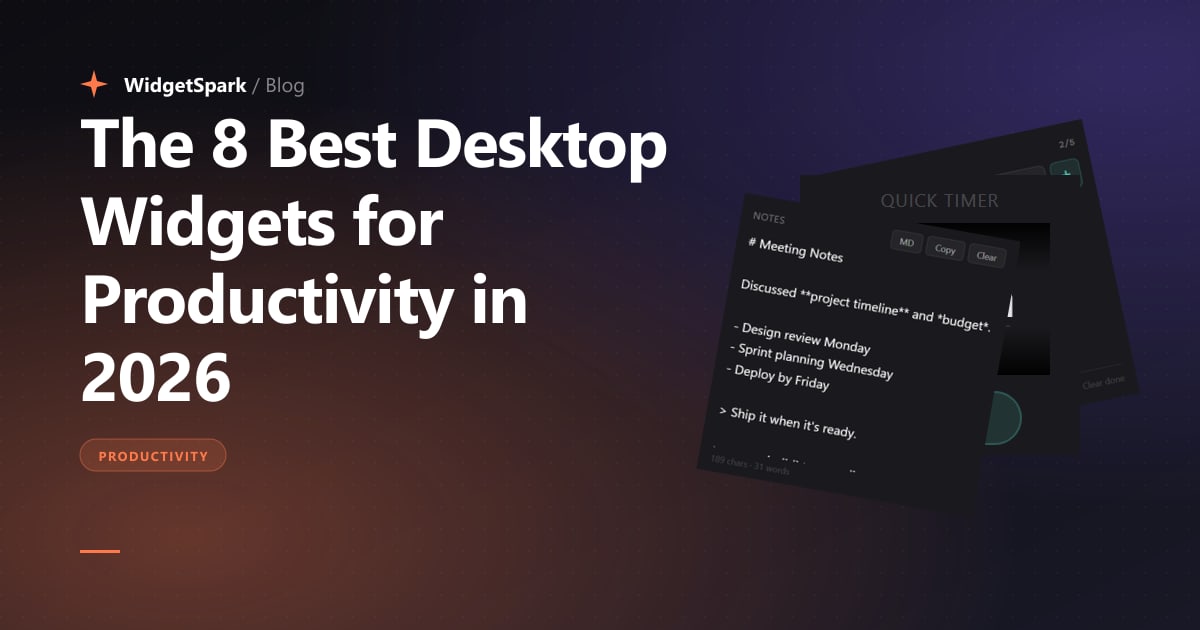
I run WidgetSpark, which means I look at widget usage data all day. People install us, install a dozen widgets, and over time prune their setup down to the three to five they actually use. The pattern is remarkably consistent.
This is a list of the widgets that survive the prune — and a few that I've watched almost every productivity-focused user converge on. It is not ranked by how cool the widget is, how rare it is, or how much engineering went into building it. It's ranked by what people keep around for months.
Most "best widgets" listicles are SEO bait written by someone who has never used the products. This one is written by someone who can read the telemetry. Take that for what it's worth.
1. A todo list, pinned where you'll see it
The single most-retained widget across our user base. Not because todos are sexy, but because the act of glancing at your todos every few minutes — without context-switching into an app — is the entire game.
The trick is placement. A todo widget shoved into a corner you have to look for is a todo list you'll forget about. A todo widget pinned next to your editor or your most-used browser tab is one you'll act on.
Look for: editable inline (no popup), supports check-off without a click chain, and doesn't sync to a cloud account by default (privacy, but also: simplicity).
2. A quick timer (not a Pomodoro app)
The reason most people fail at Pomodoro isn't discipline — it's that the Pomodoro app sits in another window. By the time you've alt-tabbed to start a timer, you've already lost the focus you were trying to protect.
A widget-form quick timer — visible at all times, two clicks to start a 25-minute focus block — gets used. A standalone Pomodoro app sits in the dock and gets ignored.
The same pattern applies to short breaks ("eyes off screen for 5 minutes") and to gentle reminders ("stand up at the top of the hour"). The latency to start the timer is the entire feature.
3. A notes widget for ephemeral thoughts
Not Obsidian. Not Notion. Just a small text area where you can paste a code snippet, jot down what someone said in a meeting, or hold an idea for 30 seconds before you forget it.
The mental model: this is a scratchpad, not a knowledge base. Most things you write here get cleared by Friday. That's the point. Real notes go in real tools. Scratch goes in the widget.
I keep mine half-screen-tall on my second monitor. Three months in I've noticed I write more — and remember more — than when I tried to channel everything through "real" note apps.
4. A clock with seconds
Sounds trivial. Isn't.
A clock without seconds tells you what time it is. A clock with seconds tells you that time is passing. That second hand sweeping is a constant ambient reminder that you have a finite amount of today left, and most people who use a seconds-clock for a week say they ship more.
Bonus points if the clock has a subtle progress ring around it for "% of workday remaining" or similar. The signal is the urgency, not the precision.
5. A day or year progress widget
This one is divisive. Some people find it motivating; some find it stressful. Try it for a week.
A day progress widget shows your awake hours as a bar — 8am at one end, 11pm at the other — with a marker for "now". A year progress widget does the same thing on a longer scale.
For some users it triggers a "the day is almost gone, I should ship" reflex that genuinely changes their evenings. For others it's a low-grade anxiety machine. Honest read on yourself before you commit.
6. A countdown to the thing that matters
Pick the next deadline that genuinely matters — a launch, a wedding, a flight, an exam, a contract end date — and pin a countdown to it.
The reason this works is that knowing how many days remain shifts what you prioritize today. A vague "soon" gets ignored. "47 days" doesn't.
The mistake people make: pinning too many countdowns. One is high-signal. Three is wallpaper noise. Pick one.
7. A system monitor — but only if you actually need it
The most over-installed widget on our platform.
If you're a developer, a video editor, a 3D artist, or a gamer, a system monitor (CPU, RAM, GPU, network) is genuinely useful. You learn what "normal" looks like and you notice when it changes — before your machine goes unresponsive.
If you're a knowledge worker writing docs and emails, a system monitor is an aesthetic choice masquerading as a productivity choice. Be honest about which one you are.
If you do install one, pick one with a single line graph rather than seven separate dials. Aggregate signal is what you can actually parse at a glance.
8. A weather widget — for one specific reason
Weather is the most-installed widget on our platform. That's not because people care about the forecast. They check their phone for the forecast.
The reason a weather widget belongs on your desktop is outdoor breaks. You're going to step outside three or four times a day — coffee, lunch, a walk, the post office — and a glance-able weather widget tells you whether to grab a jacket without breaking flow. That is a real productivity gain, just a small one.
If you don't take outdoor breaks during the workday, skip this one and take more breaks instead.
What's not on this list, on purpose
A few categories of widget I deliberately left off:
- Audio visualizers and ambient effects. Beautiful. Not productivity tools. Different post.
- Calendar widgets. Most people already have a calendar app open or a phone glanceable. Diminishing returns on a desktop widget version unless you're heads-down all day with no phone.
- Stock and crypto tickers. If you're not a trader, these are a distraction tax. If you are, you have a real terminal.
- Slack/Discord/email indicators. The whole point of focused work is not having a count of unread messages in your peripheral vision.
Building this stack in WidgetSpark
If you want to copy this exact setup:
- Install WidgetSpark (free)
- Pin Todo List, Quick Timer, and Notes in a vertical stack on your right edge
- Pin Clock, Weather, and Day Progress in a horizontal row across the top of your second monitor (or top-right of your only monitor)
- Add Countdown with the one deadline that matters
- Skip the system monitor unless you're a developer
That's the productivity baseline. From there, everything else is decoration — and decoration is fun, but it isn't the point.
— Field